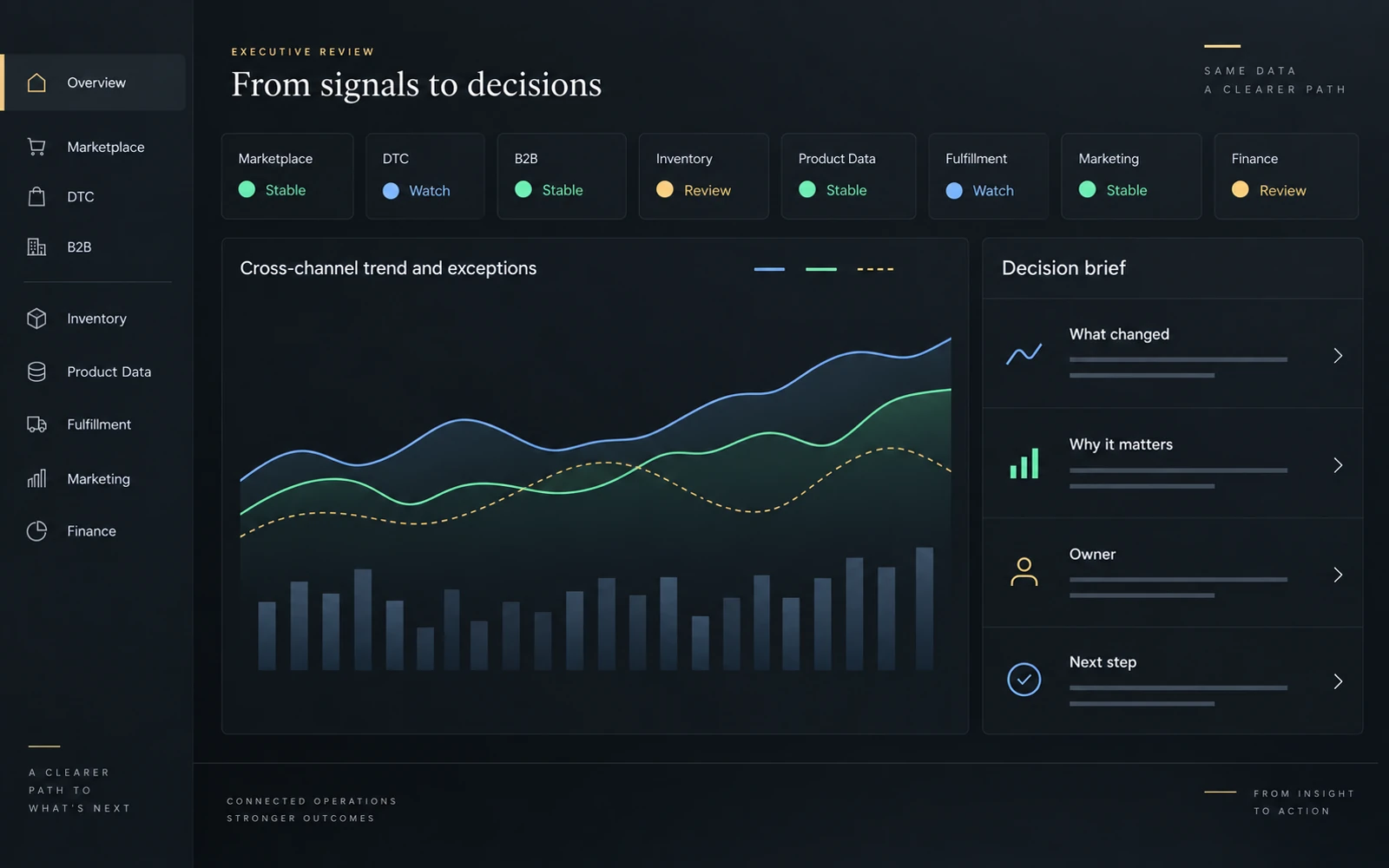
A report needs a job
Most dashboards fail because they begin with available data instead of the decisions leaders need to make.
It is easy to start with the exports, add charts, and call the result a dashboard. The harder question is what someone should do differently after reading it.
When I look at reporting, I want to know what changed, whether the information is dependable, and what needs attention. More charts do not necessarily help answer those questions.
Reporting is not the same as a decision
Reporting tells us what happened. That matters, but a review can stop there: everyone sees the numbers and leaves with a different idea of what to do.
A useful decision process goes further. It identifies the issue, gives it context, names the person responsible, and makes room to check the result.
The difference is straightforward:
- Reporting answers, "What happened?"
- A decision system asks, "What needs attention, who owns it, and what happens next?"
I want the report to help with both.
Start with the decision
Before choosing charts or filters, I ask:
- What decision needs to be made?
- Who owns it?
- What change should bring it to their attention?
- What else do they need to know?
- What action can they take?
- When will we check the outcome?
If those answers are unclear, adding another metric is unlikely to fix the report.
This is the approach behind my eCommerce Intelligence & Decision Systems work. The report is part of the work, not the end of it.
A metric needs context
A sales number can be correct and still leave the important question unanswered. Is the change expected? Is inventory available? Did the comparison period include a promotion?
I look for six things around a measure:
- Target: What were we expecting?
- Trend: Is this a change or a continuing pattern?
- Comparison: What is a fair basis for comparison?
- Threshold: When does the change need attention?
- Business impact: What does it affect?
- Owner: Who can investigate or act?
That does not mean surrounding every chart with paragraphs. It means giving the reader enough information to avoid jumping to the wrong conclusion.
Match the report to the review
A daily review should help someone deal with today's exceptions: an availability issue, a blocked order, or a feed that needs checking.
A weekly review should show whether those issues are repeating, what the team has tried, and what still needs work.
A monthly review can step back into forecasts, priorities, and where time or budget should go.
The same inventory measure may belong in all three. It should not be presented in exactly the same way.
What this looks like in eCommerce
If a product shows as available on a marketplace but cannot ship, the report needs to help distinguish a warehouse constraint from a stale feed. Someone then needs to own the correction and check that the channel reflects it.
For product content, a completion percentage is not enough on its own. I want to know which products are blocked, what is missing, and which channel or launch is affected.
Advertising efficiency needs context from availability, pricing, and fulfillment. Returns need a closer look at the product, the listing, and the customer experience before a team assumes the cause.
These are ordinary operating questions. A report should make them easier to work through, not bury them under a total or an average.
Where automation helps
Automation can prepare the review: flag exceptions, summarize changes, collect supporting information, and keep track of actions. AI can also suggest possible explanations, provided those suggestions are treated as questions to investigate.
The person responsible still needs to check the source, understand the business context, and choose the next step. A confident summary is not a substitute for that work.
The principles I use
- Decisions before metrics: Know what the report is meant to help someone decide.
- Exceptions before averages: Make the issue visible, even when the overall number looks fine.
- Context before conclusions: Check the comparison and the source before explaining a change.
- Ownership before escalation: Know who can work on the issue before adding it to a meeting.
- Action before decoration: Make the report readable, but give the next step more attention than the styling.
- Review before expansion: Find out whether the current report is being used before adding more to it.
The test
After a review, can someone explain what needs attention, what they are going to do, and when they will check back?
That is a more useful test than counting charts.
A dashboard earns its place when it changes what someone does next.